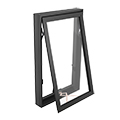
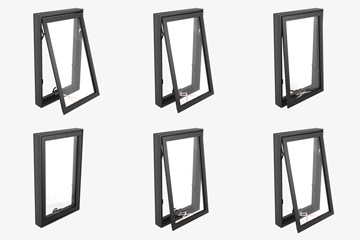
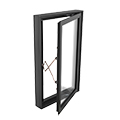
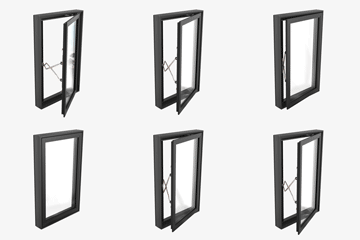
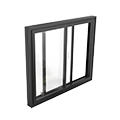
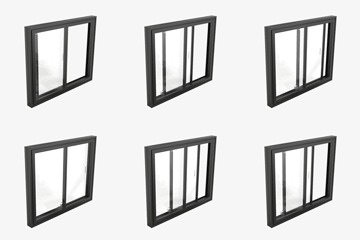
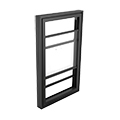
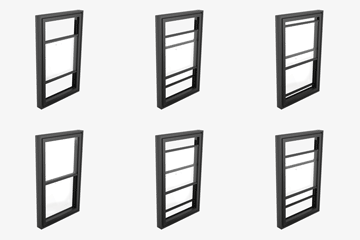
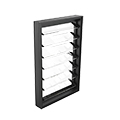
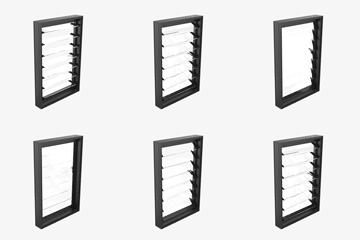
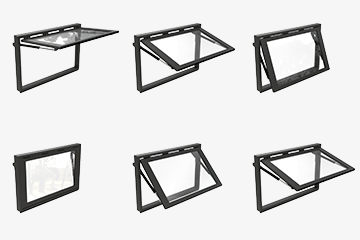
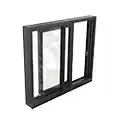
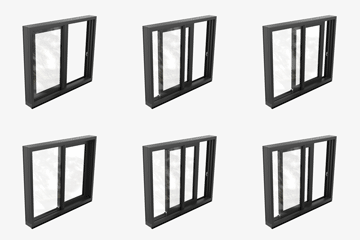
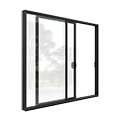
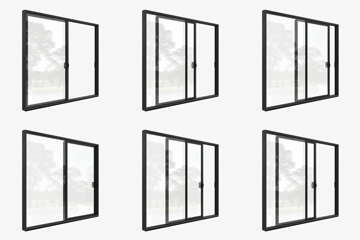
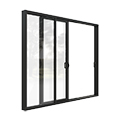
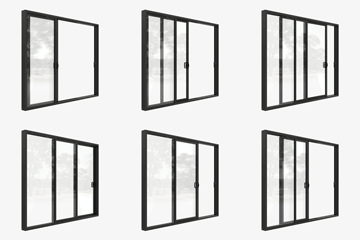
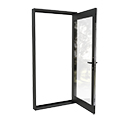
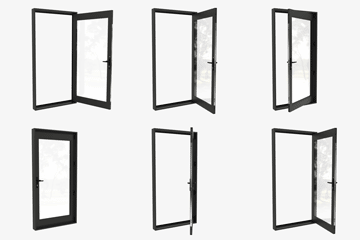
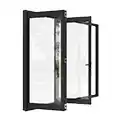
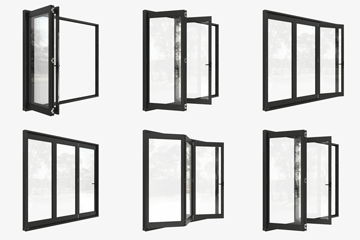
Increase the accuracy of project materials with the use of Rylock’s Revit Library.
Rylock has invested in a comprehensive Revit Library that comprises of 10 primary product types, with 73 separate families that represent a wide range of overall size variations based on project requirements.Â
Two sample Revit projects have been created that contains all window and door families and types laid out side by side. The zip file available on /specify-rylock includes two separate .rvt files for Specifiers, one for windows and one for door products. The parametric content is all created natively in Revit 2021, allowing users the ability to design and document a range of windows and doors in various configurations.
Dedicated families have been created for each standard configuration of window and door to reduce complexity and the size of files, allowing users to control only those properties that are relevant for the selected element.
In addition to the comprehensive Revit Library, .dwg and .pdf files of Product Cross-Sections are also located on product pages for specifiers to reference.
TECHNICAL DOWNLOADS
Explore the Rylock Revit Library.
Access & Mobility Specification Simplified.
Our latest White Paper, Design for Access and Mobility with AS1428.1:2021, provides essential guidance for architects, builders, and designers on meeting Australian accessibility standards for doors.
Covering luminance contrast, clear openings, hardware requirements, and zero-threshold installations, this resource helps you specify compliant hinged, sliding, and stacker doors without compromising style or performance. Learn how Rylock solutions support inclusive design, energy efficiency, and bushfire compliance while adhering to AS1428.1 and other key regulations.
Download the White Paper below to ensure your project meets accessibility, safety, and compliance requirements.
WHITE PAPER
Design for Access and Mobility with AS1428.1
NEWSLETTER
Subscribe to our quarterly e-newsletter
* REQUIRED FIELDS
Rylock staff work closely with specifiers and customers to deliver industry-leading product solutions.
Our sales consultants are trained in the requirements of AS1288 Glass in Buildings and relevant aspects of the National Construction Code, where their comprehensive training is delivered by our in-house technical team.
We recognise the importance of guiding our customers from the conceptual stages of a project, through to installation, with best-practice resources – so our customers can more quickly reach the milestone of lockup.
Best practice software for custom, high performance solutions.
Sales consultants are trained to provide specialist guidance in the following resources, so our customers achieve the best product outcomes:Â
Identifies the glass thickness required for compliance at the specified product size.Â
Measure the I-value of the frame and structural members so the product is structurally sound and compliant at the specified product size, to meet wind load and site condition requirements.Â
Performance data is calculated at actual product sizes, and in the specific configuration that the product is supplied. A comparative WERS code for a standard size and configuration is also supplied. Available for most products, please enquire with your Rylock Sales Consultant.
A resource for builders to examine individual product frame dimensions for the planning of building up flooring materials to frame height, as well as establishing how product frames will appear visually when placed side by side.Â
To derive the fundamental parameters required to successfully order and install complex products that wrap around 2 wall/elevations. This includes actual measurements for stud openings, overall product depth and reveal type to ensure the correct product size is ordered.Â
Sales consultants are knowledgeable and passionate about educating customers in the selection and best-practice installation of our products.
Rylock invests significant resources in creating and maintaining technical documents to aid customers during the specification and installation stages of a project. At the time of installation, customers are supported with 2D typical building-in documentation which demonstrated product installation into four common wall types, as well as 3D interactive renders. This information is displayed on the product page for each window and door type and on their respective installation guide pages.